
Map
Identify the source of truth, required fields, and the event that starts the work.
Connect the systems you already use so information reaches the right place without another copy and paste.
Discuss this workflow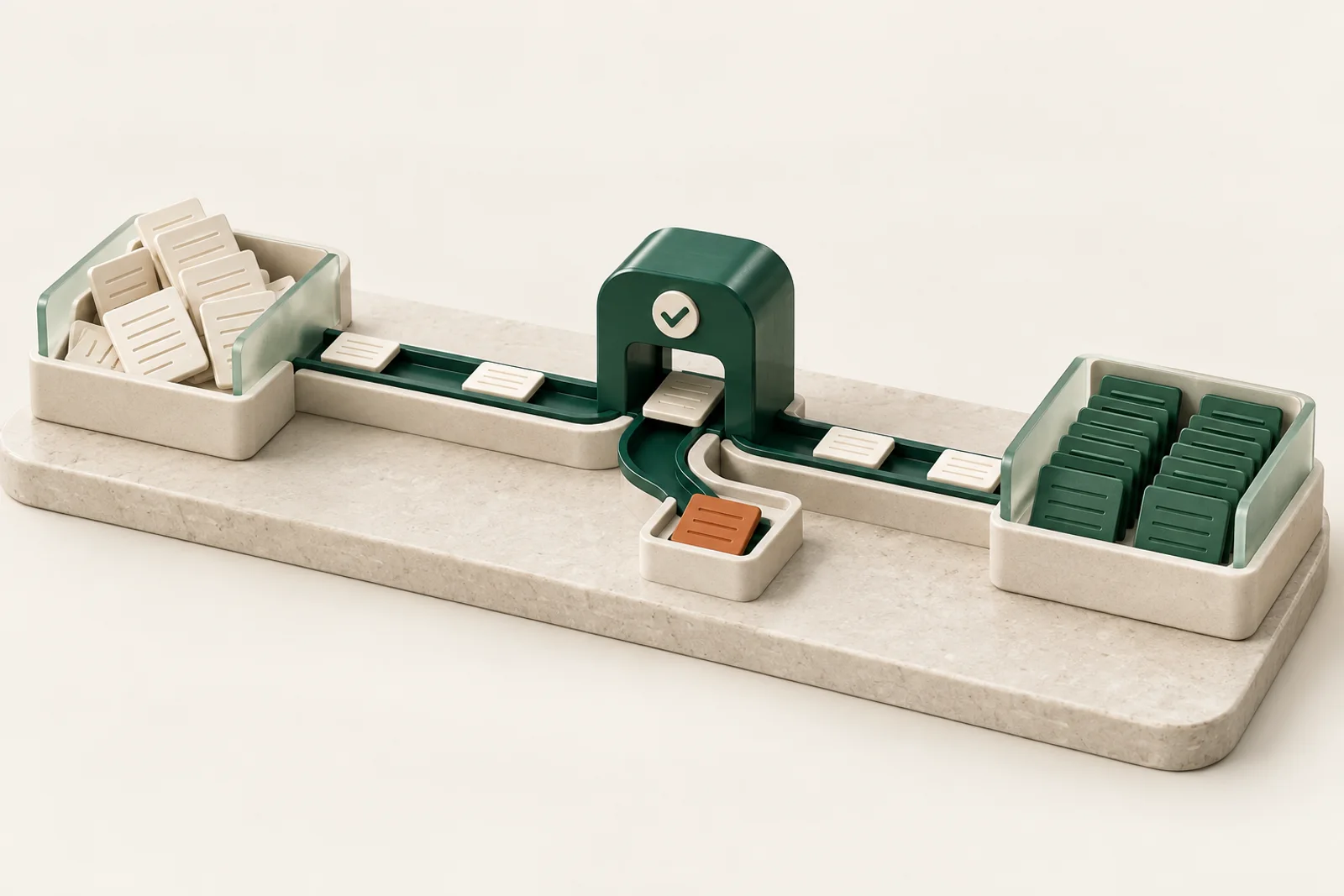 Connected workflows
Workflow integration moves information between business systems when an agreed event occurs. Automate Africa connects supported APIs and webhooks, maps the required fields, and applies validation before a record moves on. The scope includes duplicate handling and visible failures so your team can recover a broken handoff.
Identify the source of truth, required fields, and the event that starts the work.
Build supported API connections and agreed data transformations.
Track failed handoffs and give your team a clear way to recover.
The review confirms the scope, access requirements, success measures, and fee before the build begins.
Connections depend on each vendor’s supported APIs, permissions, and service limits. Third-party licenses and usage fees are scoped separately.
An approved customer record in a CRM triggers an update in an operations system. The workflow checks the required fields and uses an agreed identifier to avoid creating duplicates. If the receiving system is unavailable, the failure is recorded for recovery.
Bring the systems involved, available API documentation, a sample record, the trigger event, and the owner of each system. We confirm permissions, vendor limits, and which application is the source of truth.
Estimate the value of recovered timeWe check each product’s supported API, webhook, export, or other suitable integration method. Availability depends on the product, subscription, permissions, and vendor limits; the review confirms feasibility.
A supported export or a carefully scoped desktop automation may be an option. We compare reliability and maintenance requirements before recommending an approach.
The design defines matching identifiers, validation, and recovery rules for the specific systems. Failure alerts need a named owner. Retry behavior is agreed so repeating a request does not create duplicate work.
Tell us where things get stuck.
We'll help you find the next step.
